




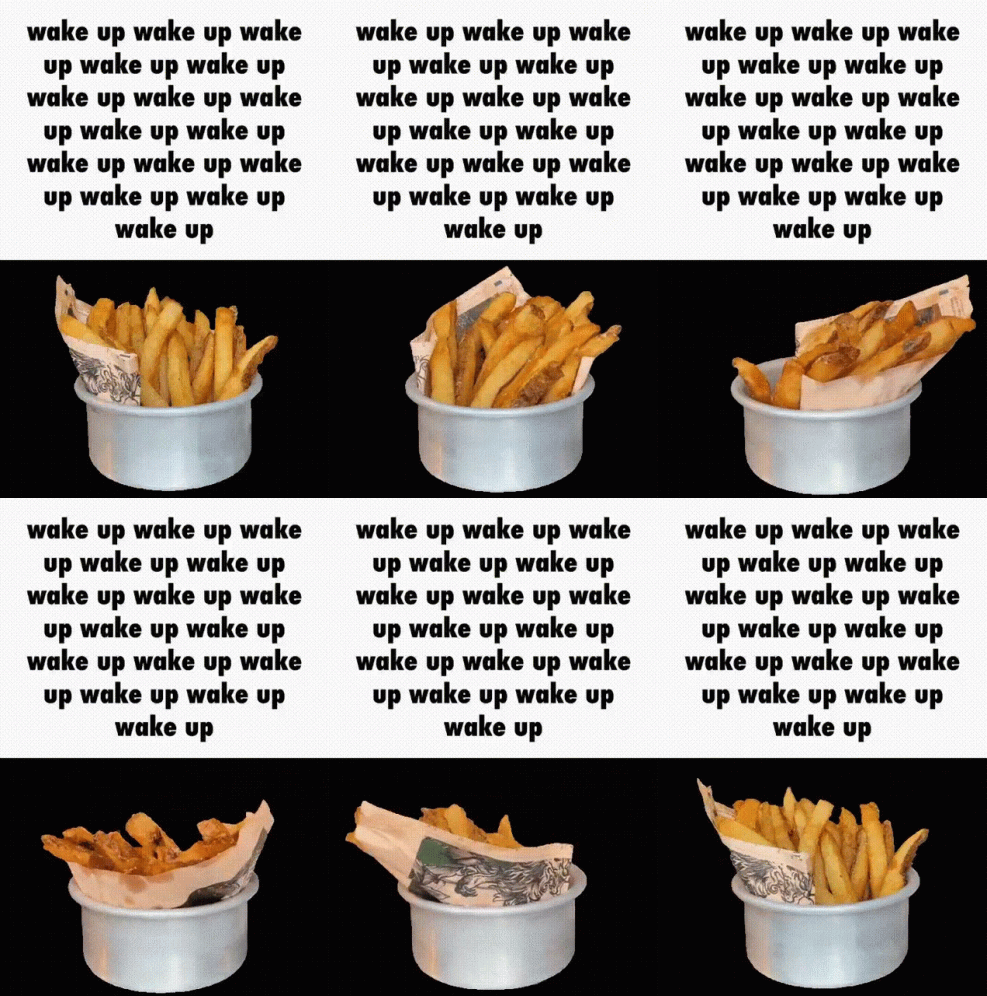
I always thought those rotating food gifs were funny to use in chats, and every once in a while I’d see a rotating item like an entire Taco Bell restaurant that made me think “wow this has some big comedy potential”.
So I set out to learn how to make these myself. How hard can it be!
It was hard. First, here’s the setup I ended up with:
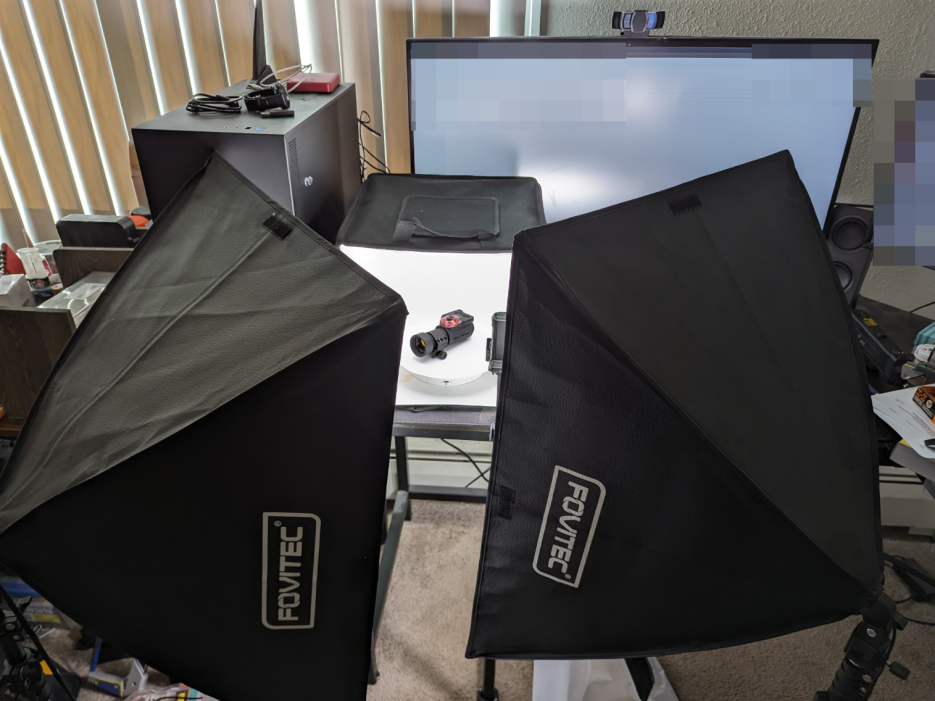
Rotating table in a lightbox, with auxiliary studio lights.
After acquiring footage, I generally used the following process:
- Trim footage to proper infinite loop length in premiere pro
- Crop footage boundaries using adobe express
- Rotoscope out background in after effects, with lots of manual refinement
- Import into photoshop as a quicktime video, then use ‘export for web (legacy)’ to save an actual gif, paying lots of attention to the compiler settings
Might look like a short, easy list, but it’s a huge pain when there are so many arduous steps and ways things can go wrong, which you may only notice at the very end.
First experiments:
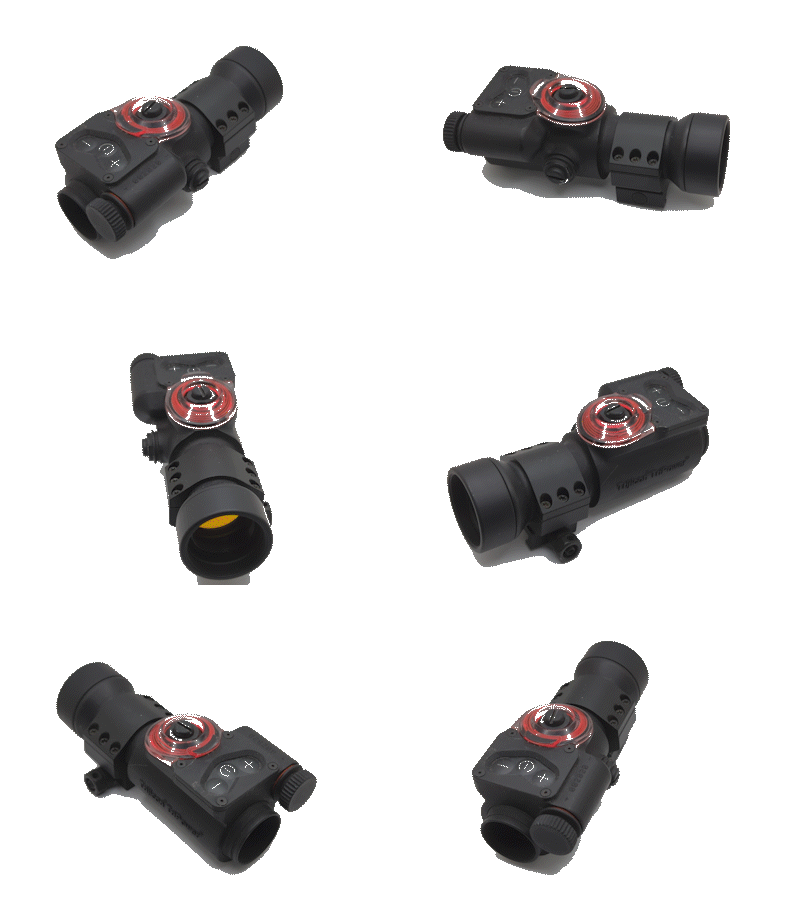
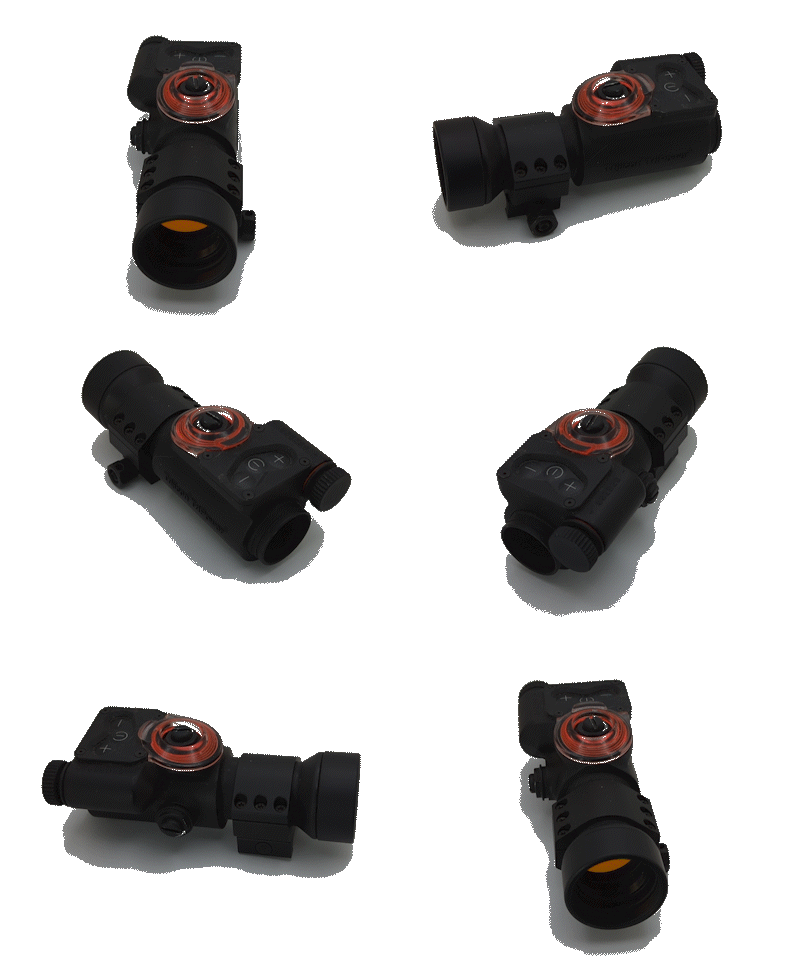
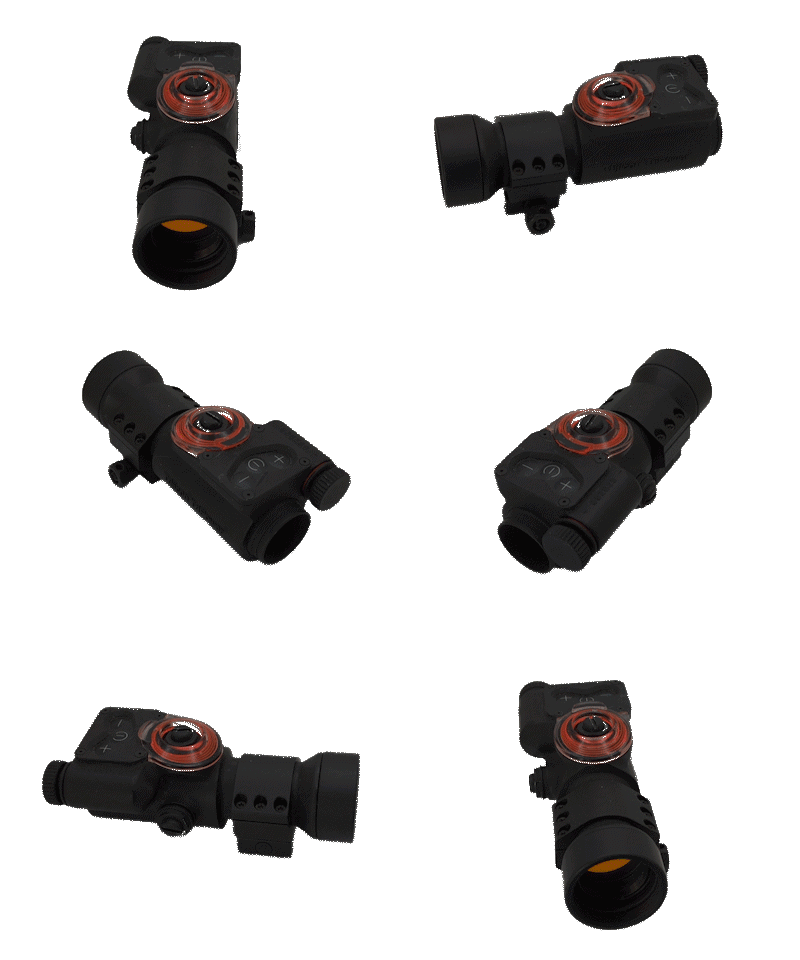
After adjusting matte selection, rotoscope contrast, studio lighting, and other settings we are returned this beauty:

It’s not perfect, but I got the process down.
Now… time for more.
Made 8/28/23
Leave a Reply